
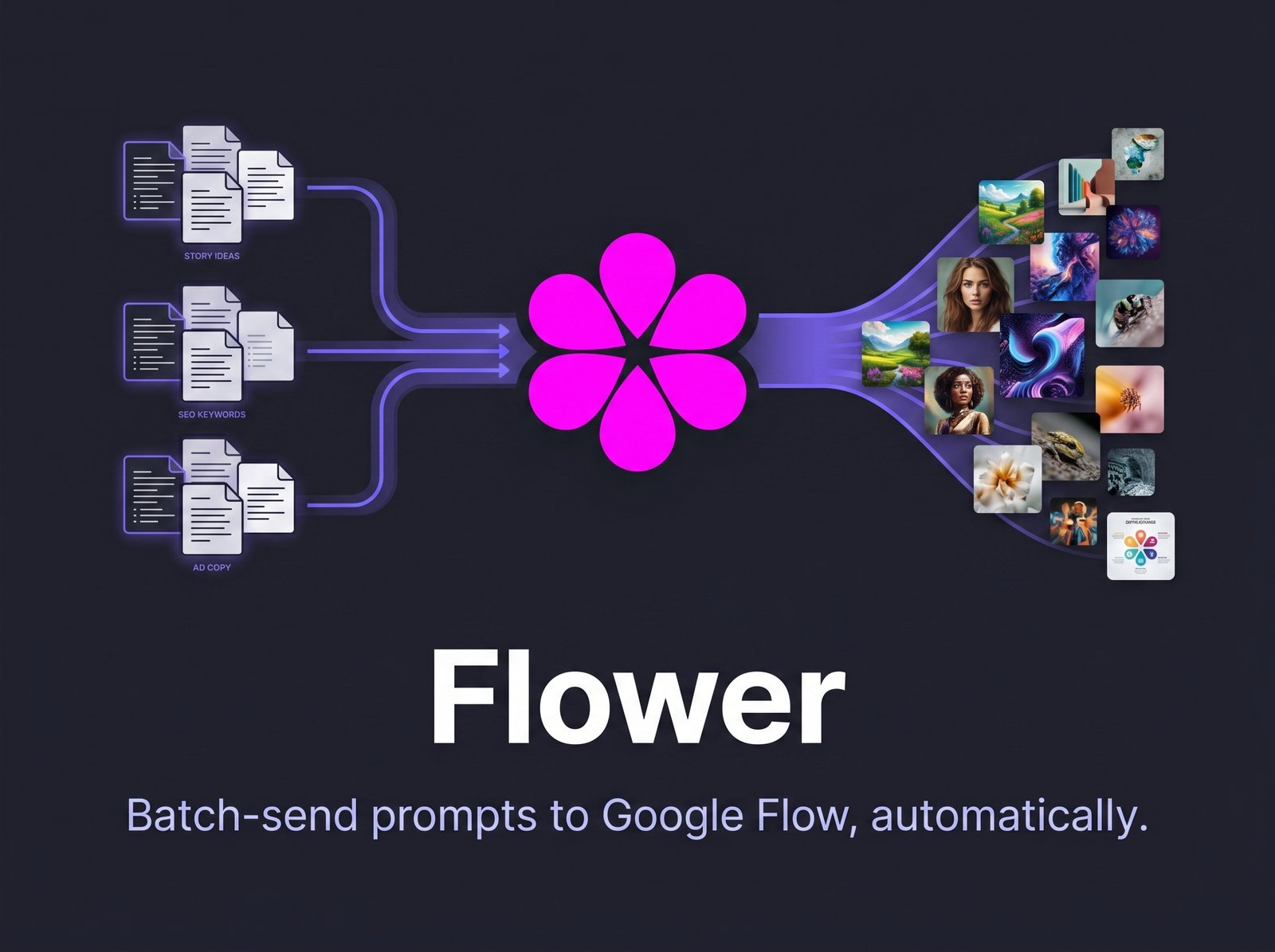
Automate your Prompt Queue for Google Flow
[Download Flower from Chrome webstore]
If you’ve ever needed to generate dozens of images in Google Flow, you already know the routine: paste a prompt, click Generate, wait, paste the next one, generate again, wait some more. Flower takes care of that repetitive part for you.
It’s a free Chrome extension that lives in a side panel next to Flow. Paste your entire list of prompts — one per line — set how long you want it to wait between submissions, and let it run. No need to keep an eye on the tab.
How it works
- Open a Google Flow tab
- Click the Flower icon to open the side panel
- Paste your prompts, one per line
- Set the wait time (5–60 seconds, default is 15s)
- Click Start — Flower will automatically type and submit each prompt
You can stop the process at any time, and the side panel shows a live queue so you always know what has been sent, what is currently running, and what is still pending.
A quick note
Flower is an independent project and is not affiliated with or endorsed by Google. It simply automates typing into the prompt field and clicking the submit button — the same actions you would perform manually. It does not bypass logins, usage limits, or any Google protections.
It’s completely free. If it saves you time and you’d like to support its development, there’s an optional donation link in the extension’s side panel and at the end of this post — entirely up to you..
[ Download Flower from the Chrome Web Store ]
Privacy Policy
Last updated: June 19, 2026
This Privacy Policy explains how the Flower Chrome extension (“Flower”, “the extension”, “we”) handles your information.
What Flower does
Flower lets you paste a list of prompts into a side panel. The extension then automatically types each prompt into the text field on Google Flow (labs.google/fx/tools/flow/...) and submits it, waiting a user-configured delay between each one.
Data collection
Flower does not collect, transmit, sell, or share any personal data. Specifically:
- We do not operate any server. There is no backend that receives your prompts, your usage, or any other information.
- We do not use analytics, tracking pixels, or third-party SDKs.
- The prompts you type into the side panel exist only in your browser’s memory during your active session, and are not saved, logged, or sent anywhere by us.
- Flower does not access your Google account, your Flow account, your generated images, or any other content beyond typing text into the visible prompt field and clicking the visible submit button.
Local storage
Flower uses Chrome’s built-in storage API to save a single, simple flag on your own device: whether you’ve already acknowledged this privacy policy inside the extension. This flag (acceptedPrivacy: true) is stored locally in your browser profile so you’re not asked to acknowledge the policy every time you open the side panel. It contains no personal data, is never transmitted to us or to any third party, and you can clear it at any time by removing the extension or clearing its data in chrome://extensions/.
PayPal donation button
The side panel includes an optional “Support on PayPal” button. This button is entirely optional and not required to use any feature of the extension. If you click it, Flower opens a new browser tab to PayPal’s donation page (paypal.com). We do not receive, process, or have any access to your payment information — that transaction happens entirely on PayPal’s website, governed by PayPal’s own privacy policy. Flower itself sends no data to PayPal beyond simply opening that page in your browser.
Permissions we request, and why
- Host permission for labs.google — required so the extension can read the prompt field and submit button on the Google Flow page, and type your prompts into them.
- scripting — required to inject the automation script into the Google Flow page.
- tabs — required to detect when you’re on a Google Flow tab and to relay messages between the side panel and the page.
- storage — used only to remember, inside your own browser, that you’ve acknowledged this privacy policy. Never sent elsewhere.
- sidePanel — required to display the Flower interface in Chrome’s side panel.
Disclaimer: Flower is an independent, third-party tool. It is not affiliated with, endorsed by, sponsored by, or otherwise officially connected to Google LLC or any of its products, including Google Flow. “Google” and “Flow” are trademarks of Google LLC. Flower simply automates the entry of text that you write yourself into a publicly visible input field on the Flow web page — it does not bypass any login system, rate limit, or protection mechanism belonging to Google.
Changes to this policy
If this policy changes, the updated version will be posted at this same URL with a new “Last updated” date.
Contact
Questions about this policy? Reach out at: fabiyamada.art@gmail.com
Did you find this tool useful? If you’d like to support me in creating more resources like this, you can buy me a coffee 👇