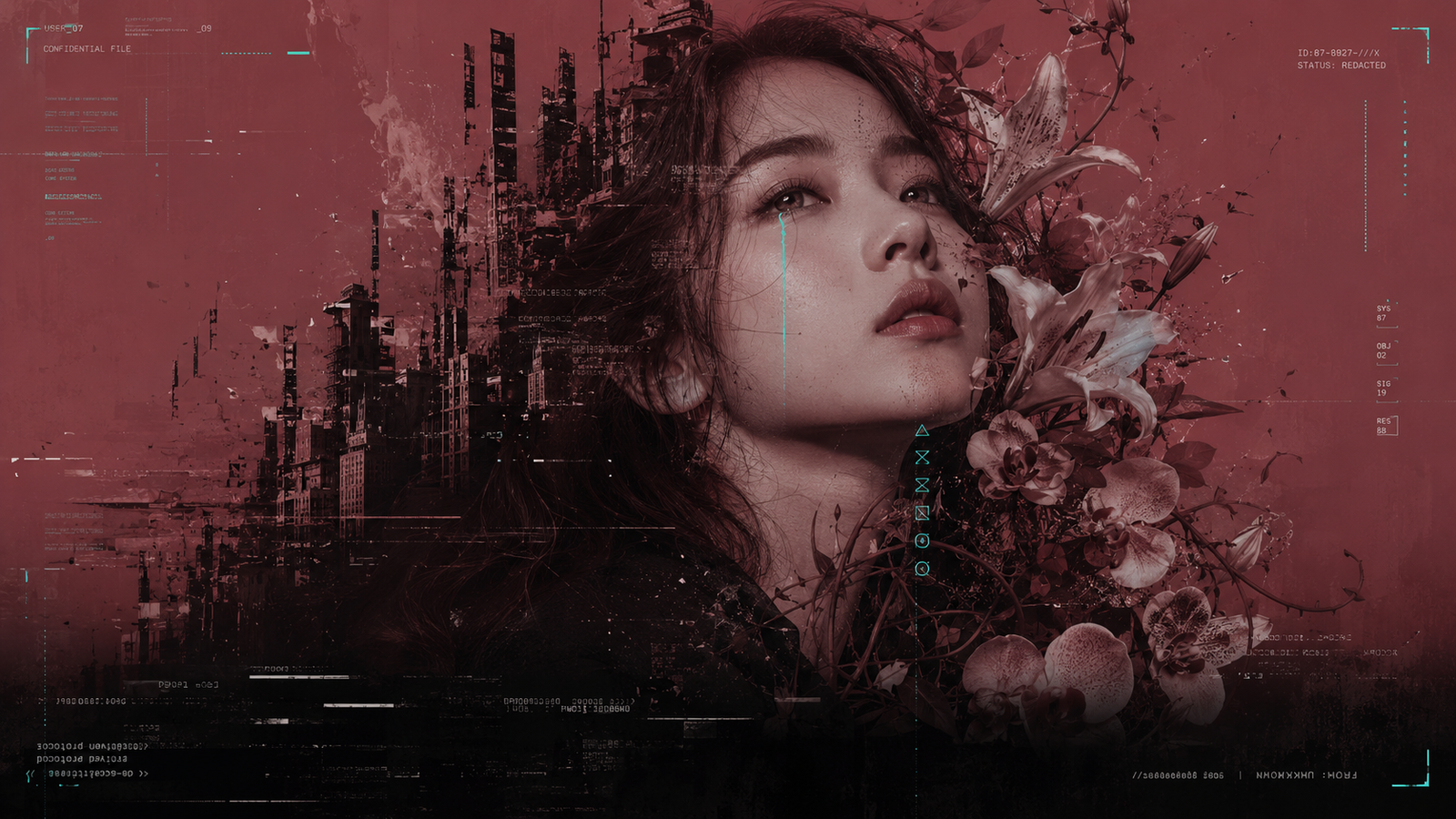
If you’ve been experimenting with AI image generation, you’ve probably wondered which tool actually gives you better, more consistent results for detailed portrait work. I ran the exact same prompt through both ChatGPT and Google Flow (Nano Banana 2) to find out, and the differences surprised me.
What are we comparing?
ChatGPT’s image generation is the one most people already know. It’s widely accessible, doesn’t require a separate account setup beyond ChatGPT itself, and handles long, detailed prompts reasonably well.
Google Flow (Nano Banana 2) is newer and less known outside AI circles, but it’s built specifically for high fidelity image generation. It’s part of Google’s Flow platform and tends to hold up well with long, structured prompts that include a lot of specific detail.
The experiment
Instead of testing with vague, one line prompts, I used a fully structured prompt system I built myself, one that defines specific variables like subject, main color, accent color, flower or contrast element, expression, and composition side. I ran the exact same prompt, unchanged, through both platforms to see how each one interpreted it.
What I noticed
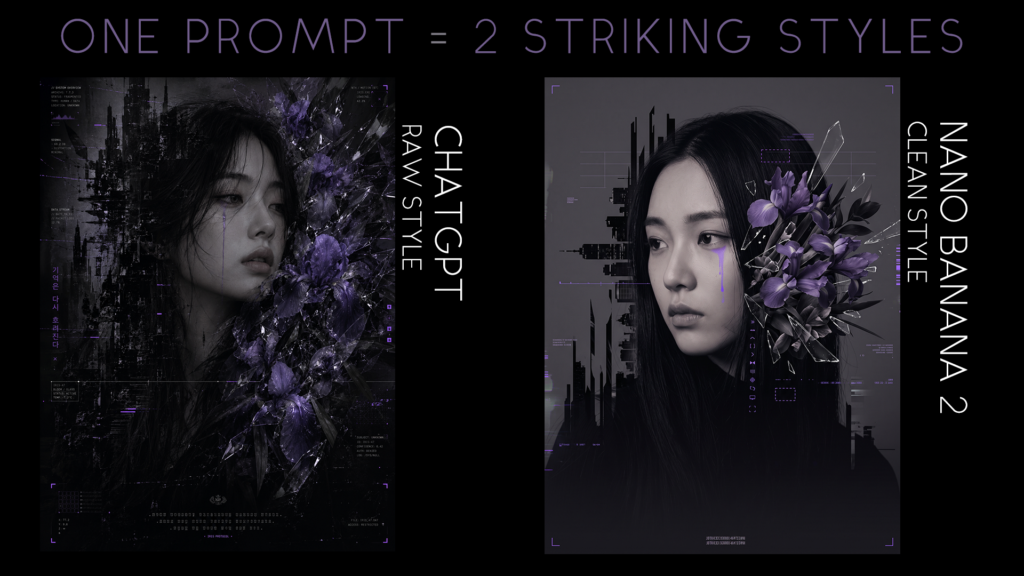
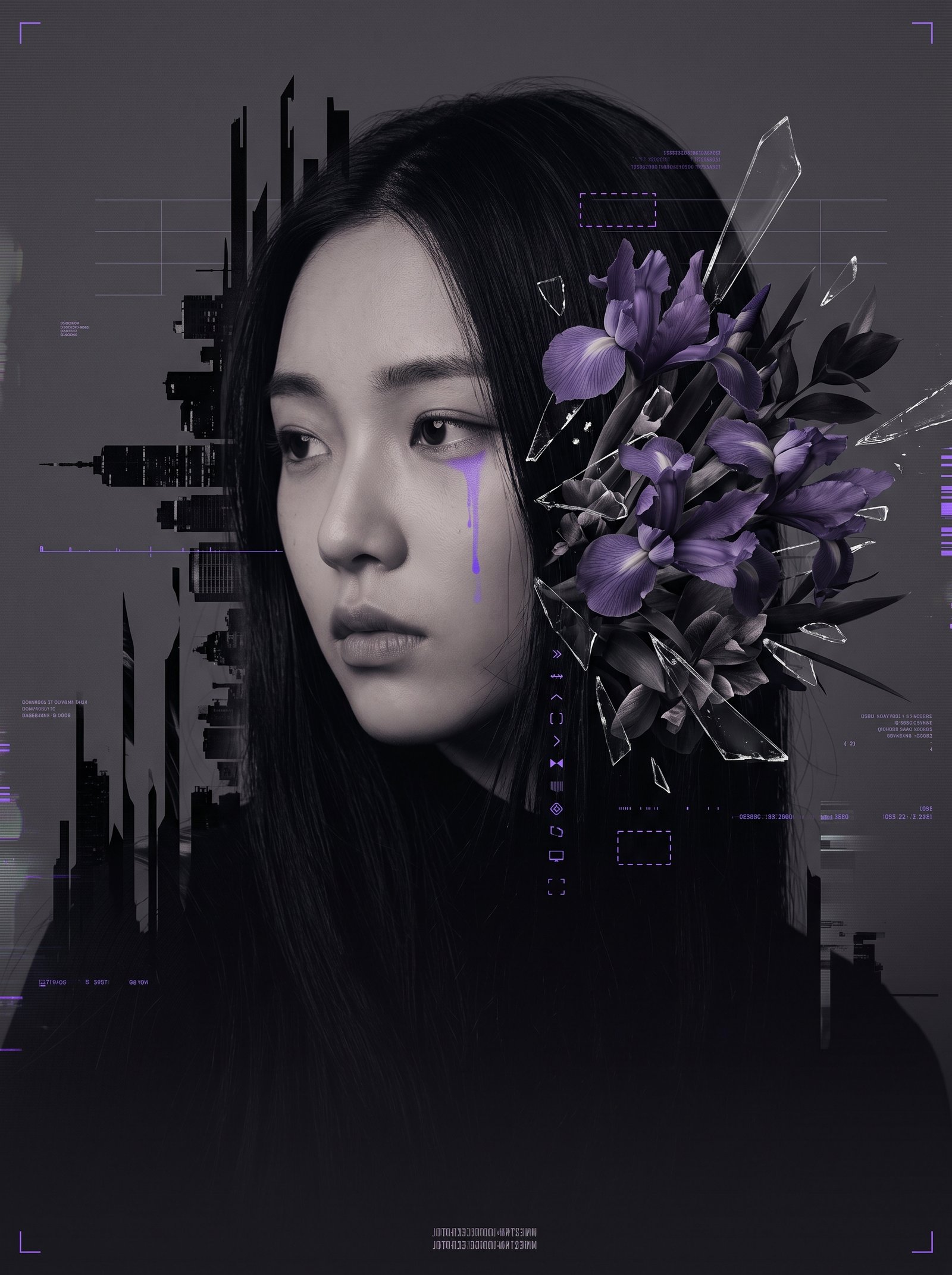
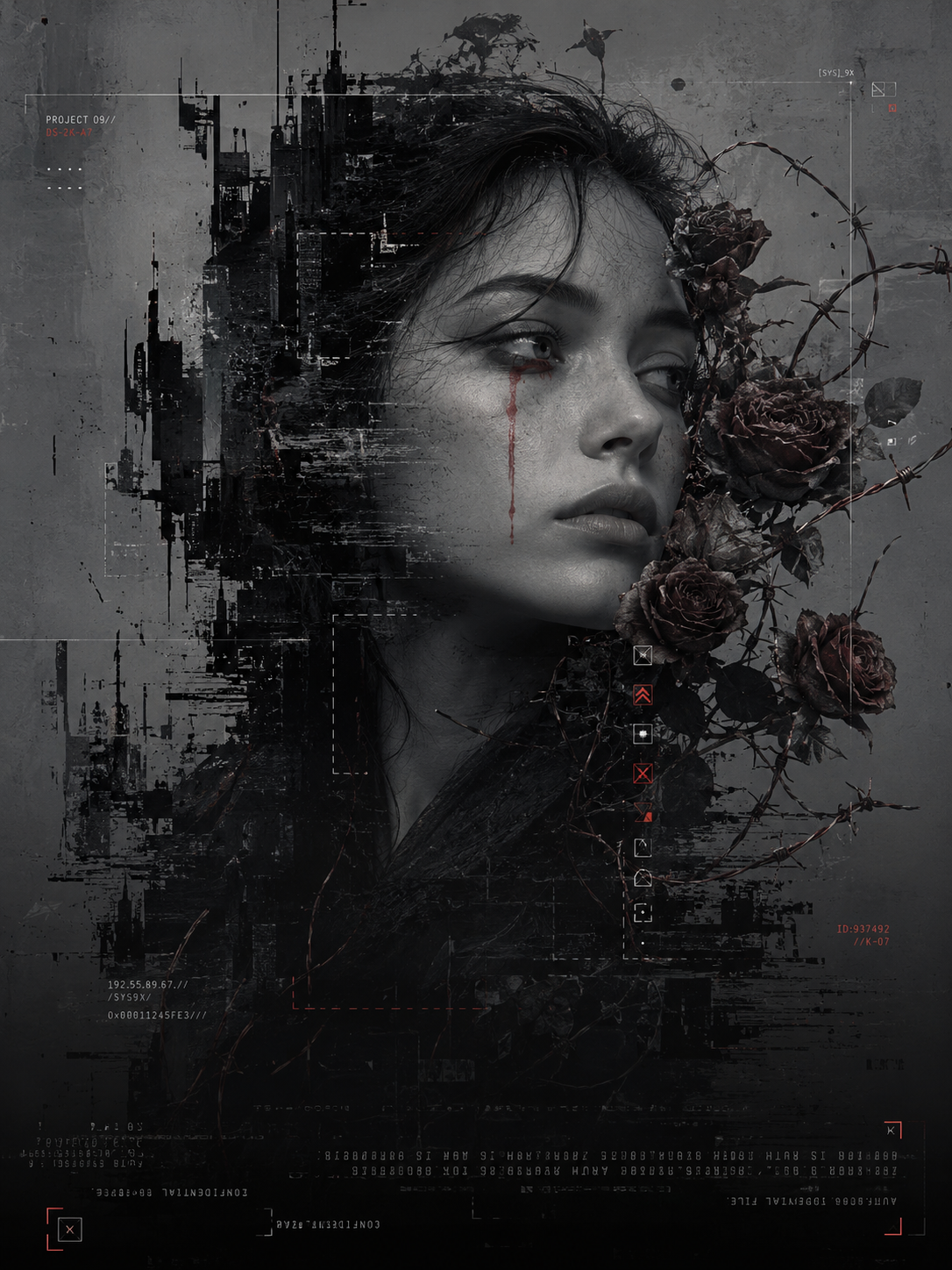
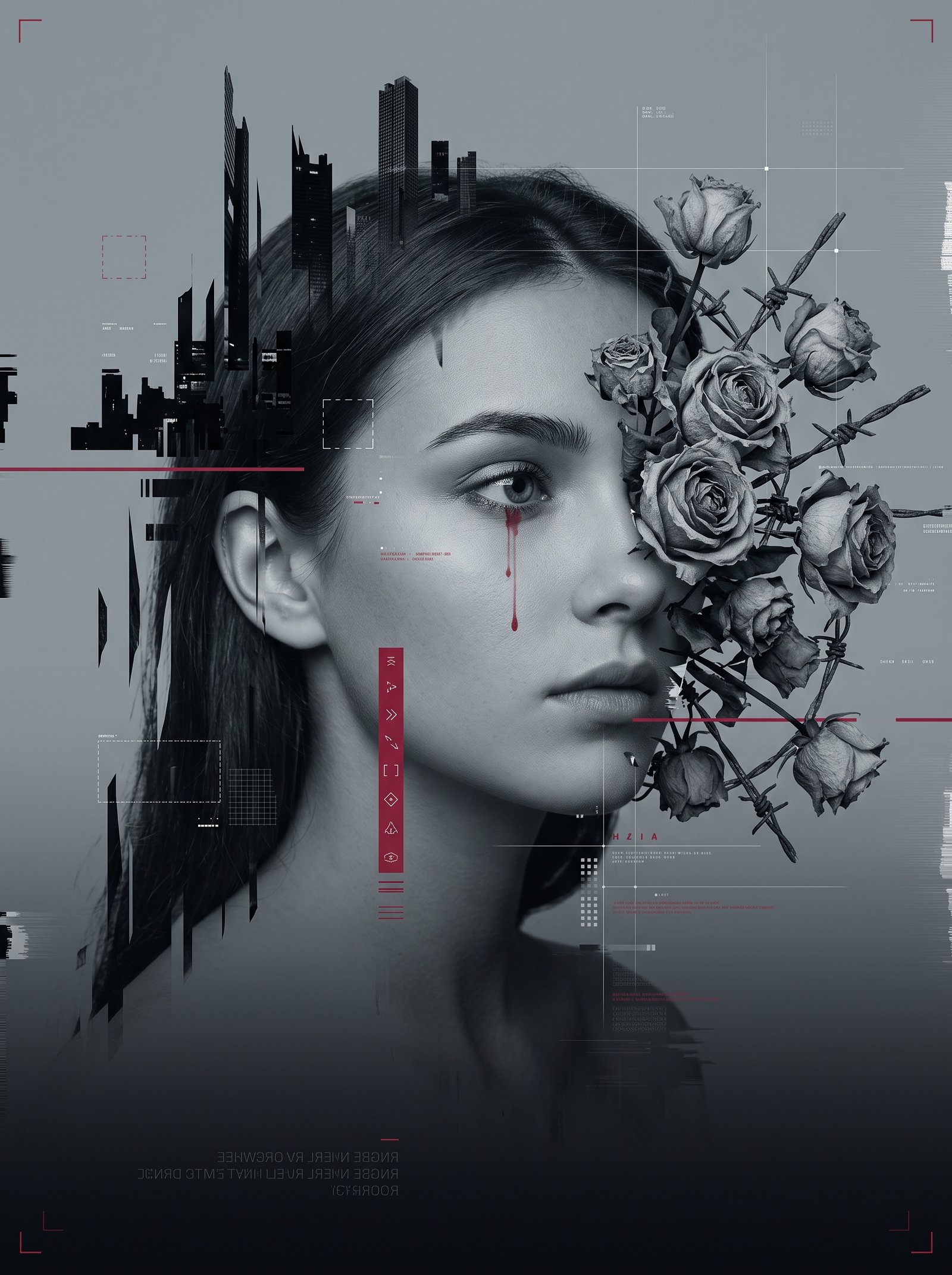
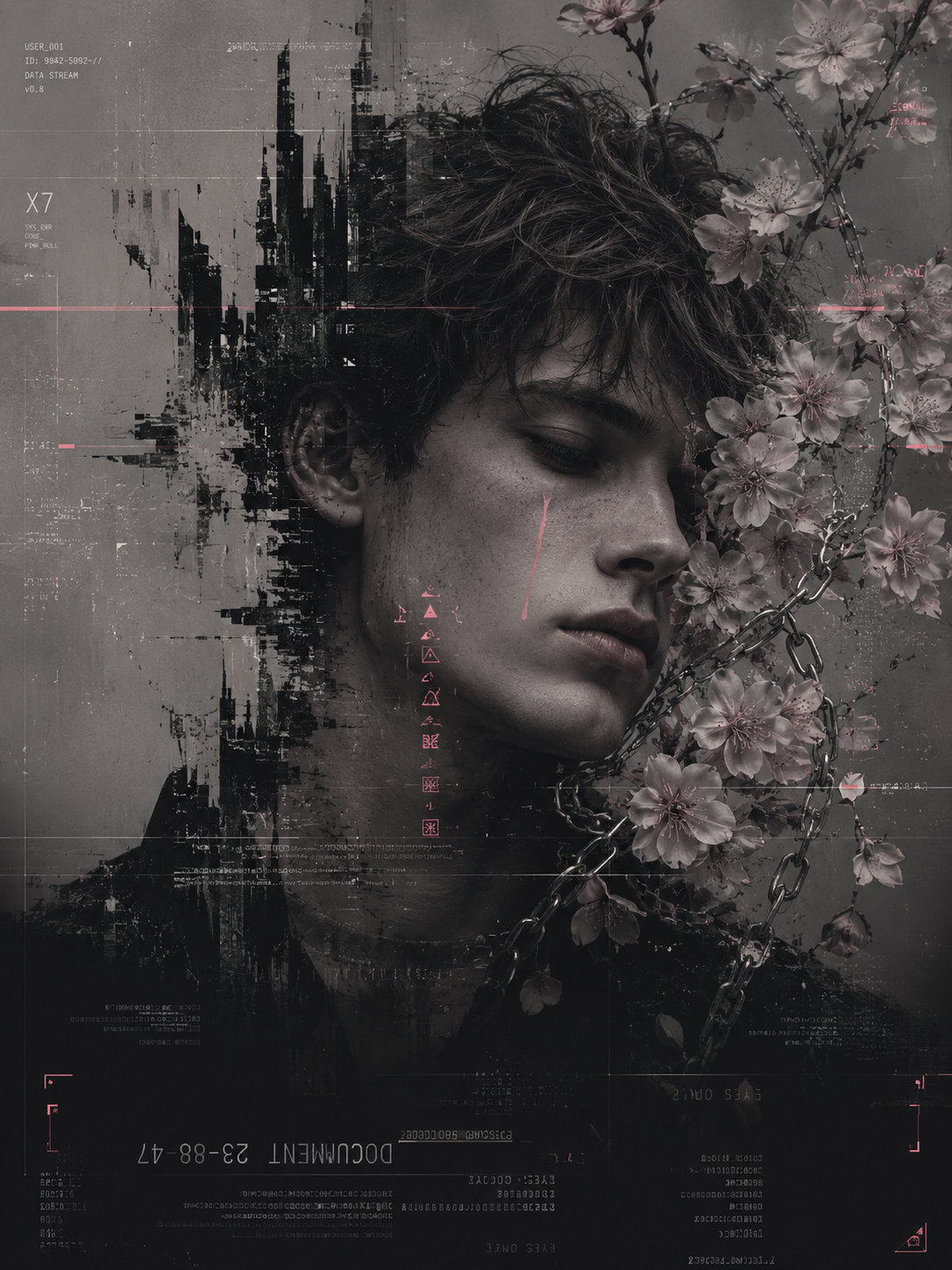
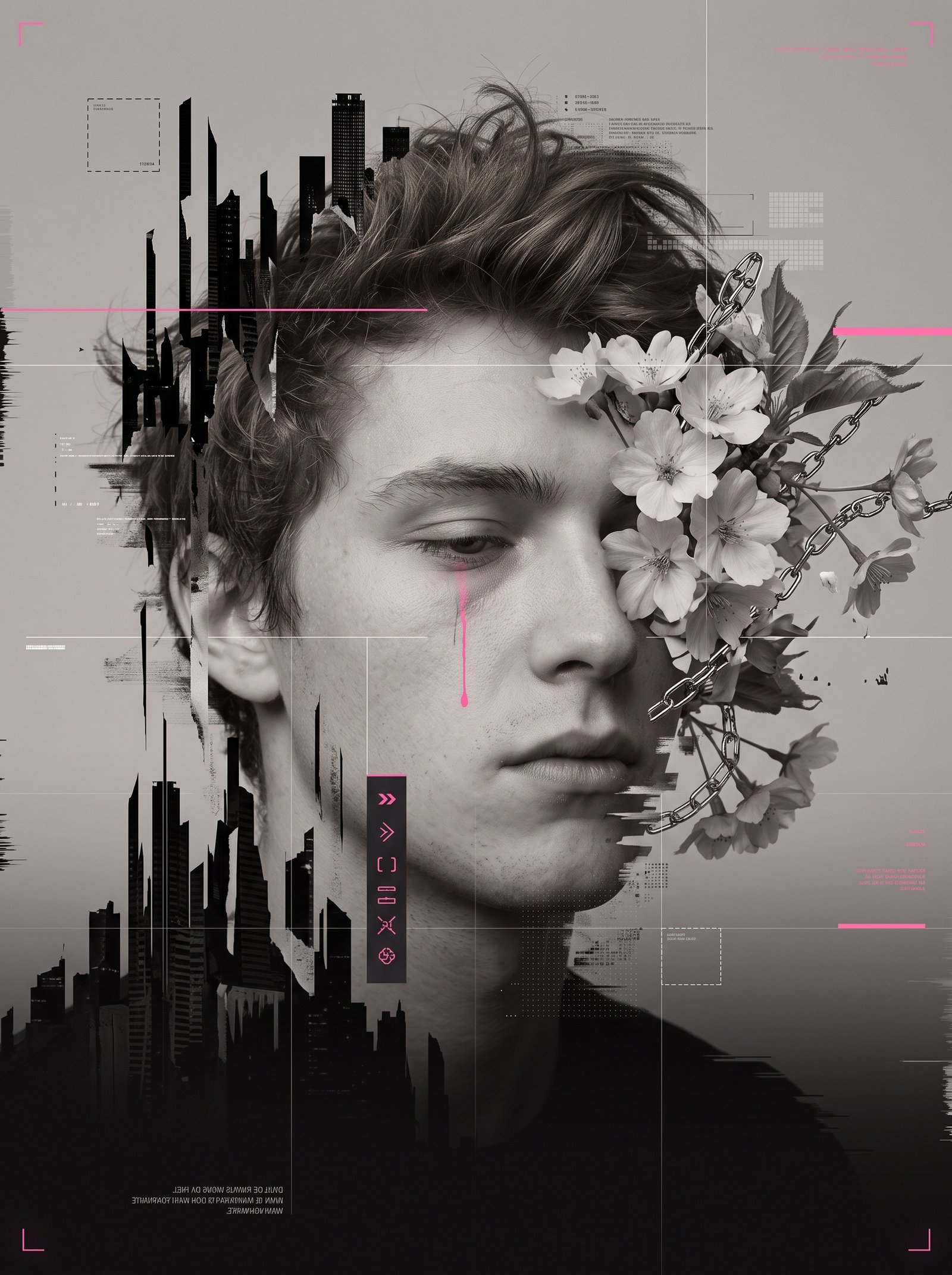
Across every version I tested, a pattern showed up consistently. ChatGPT tends to produce results with a rawer, more grunge, almost painterly quality. Blacks run deeper, textures feel rougher, and the overall composition leans more toward conceptual art.
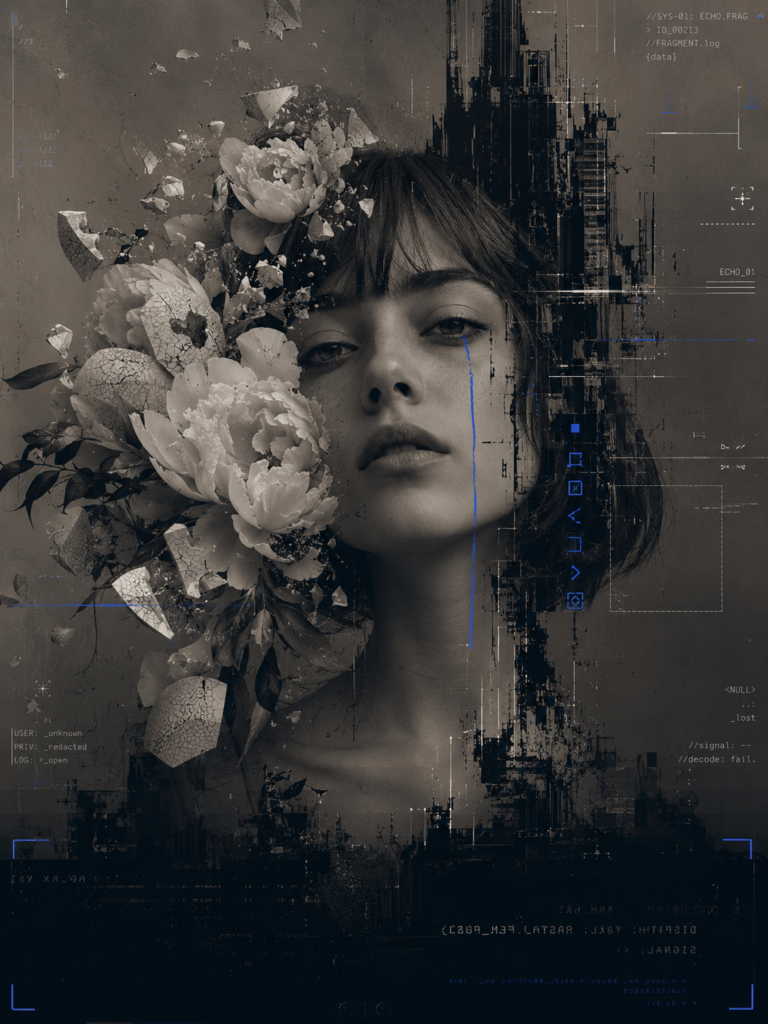
Nano Banana 2 tends to produce cleaner, more editorial results. The lighting is softer and more even, the UI and glitch elements stay more legible, and the overall feel is closer to a polished magazine cover than raw digital art.
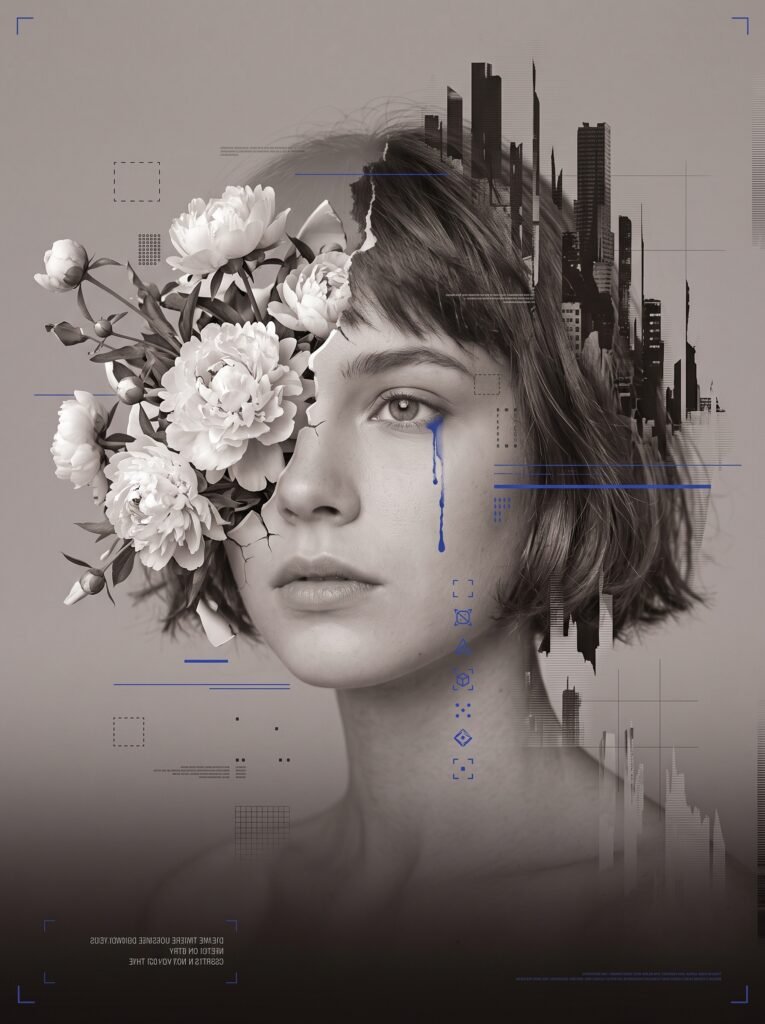
Neither result is “wrong.” They’re just different interpretations of the same instructions, and which one you prefer depends entirely on the mood you’re going for.
Worth noting: both platforms were tested on their free tiers. Google Flow currently runs Nano Banana 2 as its default model at zero credit cost, so there’s no paywall involved there. ChatGPT’s free tier does cap image generations per day, so if you’re testing this yourself and hit that limit, that’s expected, not a bug on your end.
Quick comparison
| Aspect | ChatGPT | Nano Banana 2 |
|---|---|---|
| Mood | Raw, grunge, painterly | Clean, polished, editorial |
| Color grading | Deeper, more saturated blacks | Softer, more even tones |
| Detail legibility | Slightly more chaotic | Sharper, more readable |
| Best for | Conceptual, gritty art | Editorial, commercial looks |
Which one should you use?
If you want something that feels darker and more experimental, ChatGPT is the better pick. If you’re after something closer to a magazine cover or commercial editorial shot, Nano Banana 2 is going to get you there faster.
Honestly, the most interesting part of this experiment wasn’t picking a winner. It was realizing that the same structured prompt can give you two completely different creative directions depending on where you run it.
If you want to try this comparison yourself, I put together a prompt system called Fractured Bloom, ten fully built glitch portrait prompts plus an editable version so you can build your own. Every prompt was tested in both ChatGPT and Nano Banana 2, so you can see exactly what to expect from each before you generate anything.
You can check it out here: Get Fractured Bloom.
More samples
| ChatGPT | Nano Banana 2 |
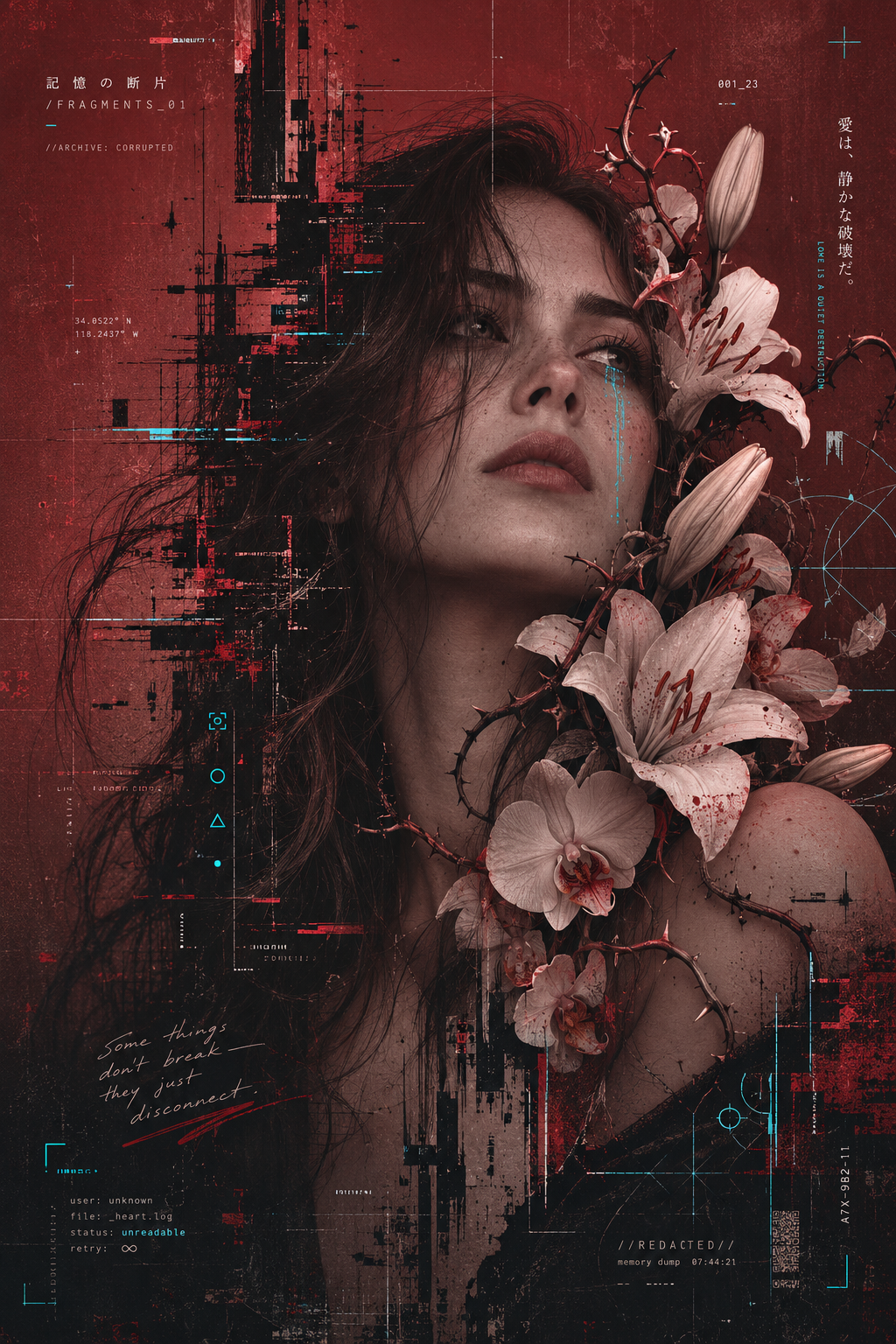 | 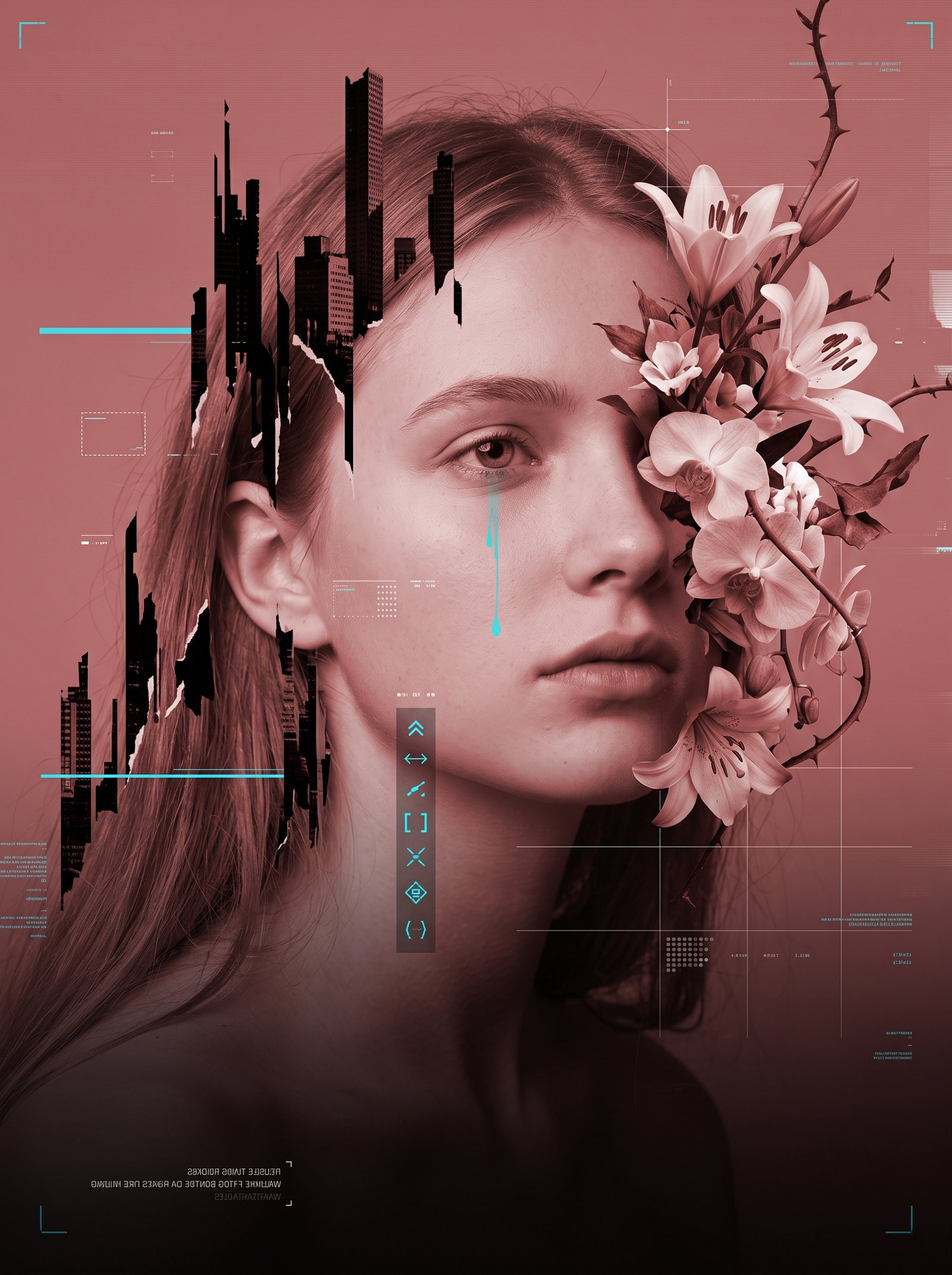 |
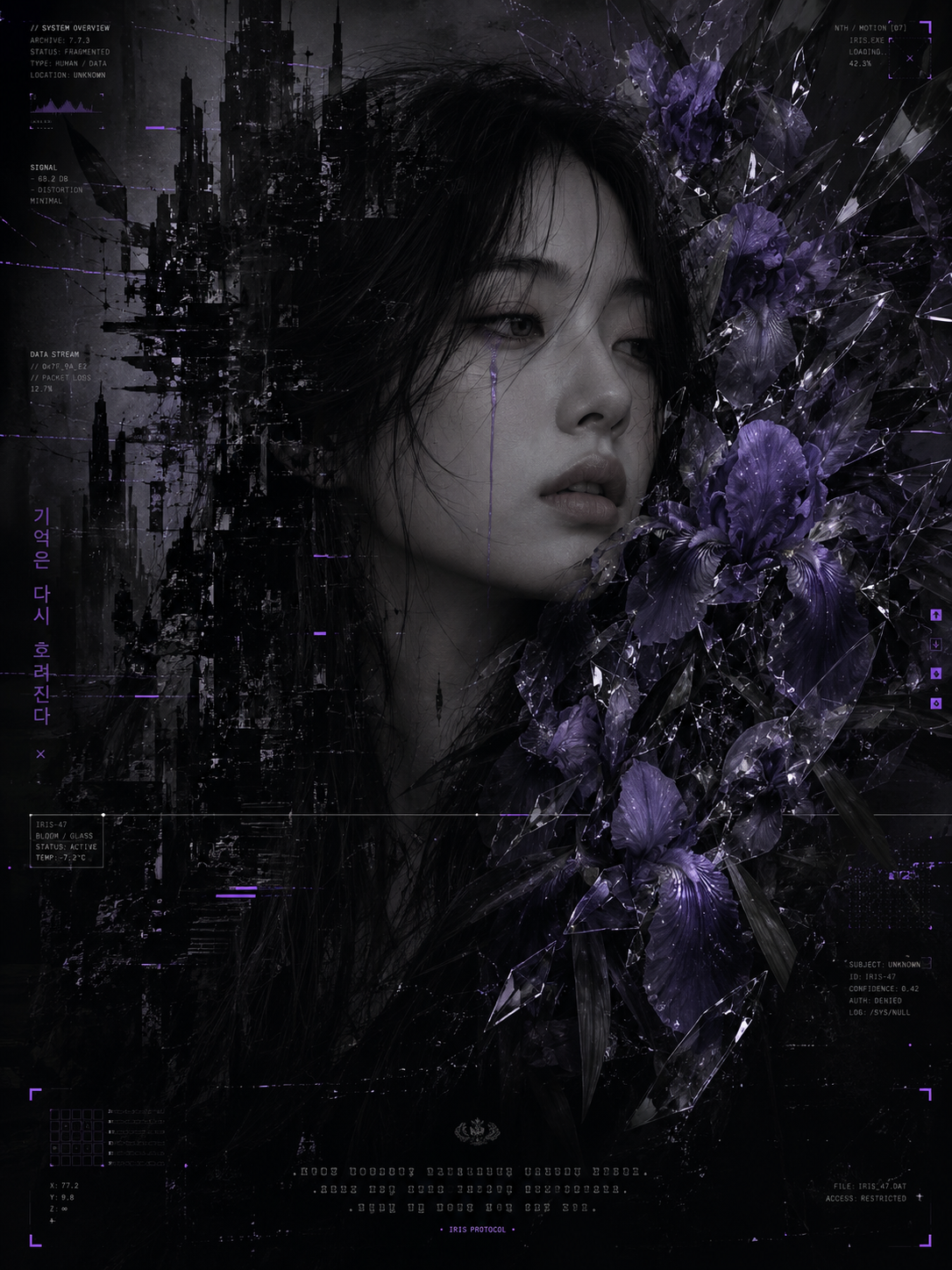 |  |
 |  |
 |  |