Convert Your SRT File Into a Clean Timestamped Script
If you make videos using a script-to-voiceover-to-SRT-to-Prompts workflow (probably for a faceless youtube video), you already know the problem: Turboscribe converts your audio into text, but the way it cuts and joins the phrases is not the best.
That’s because Turboscribe is just transcribing, not directing. If you already know how to polish your script to get better results, just continue reading.
Converting your SRT file into a clean, readable script shouldn’t require re-explaining the format to an AI every single time.
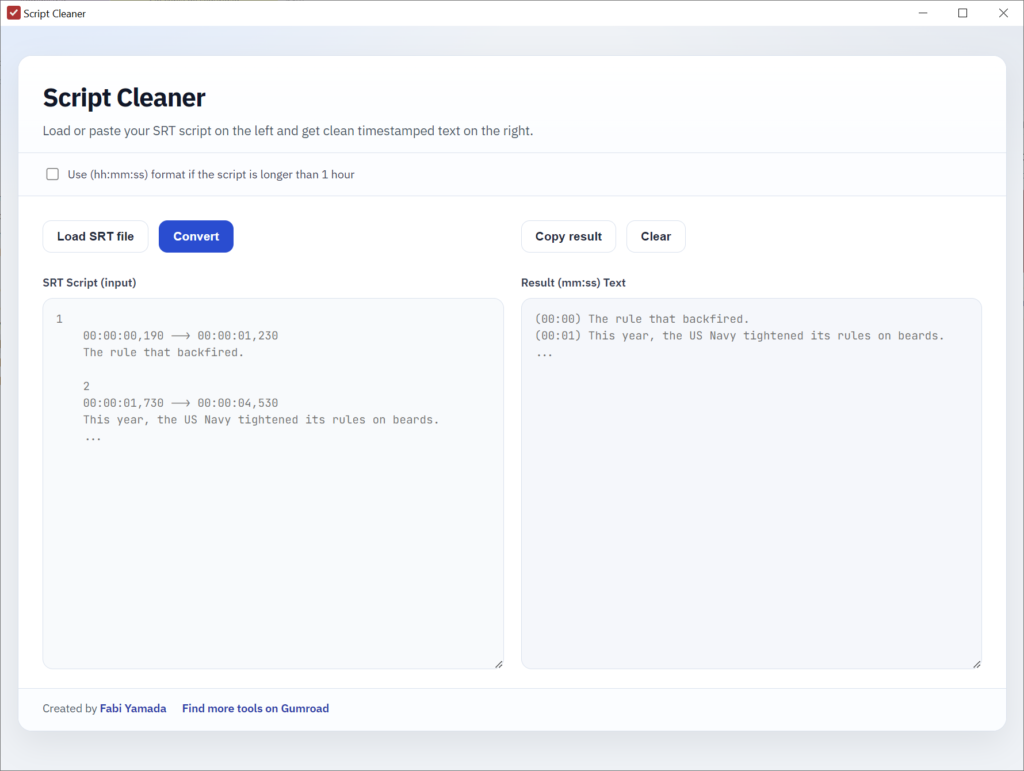
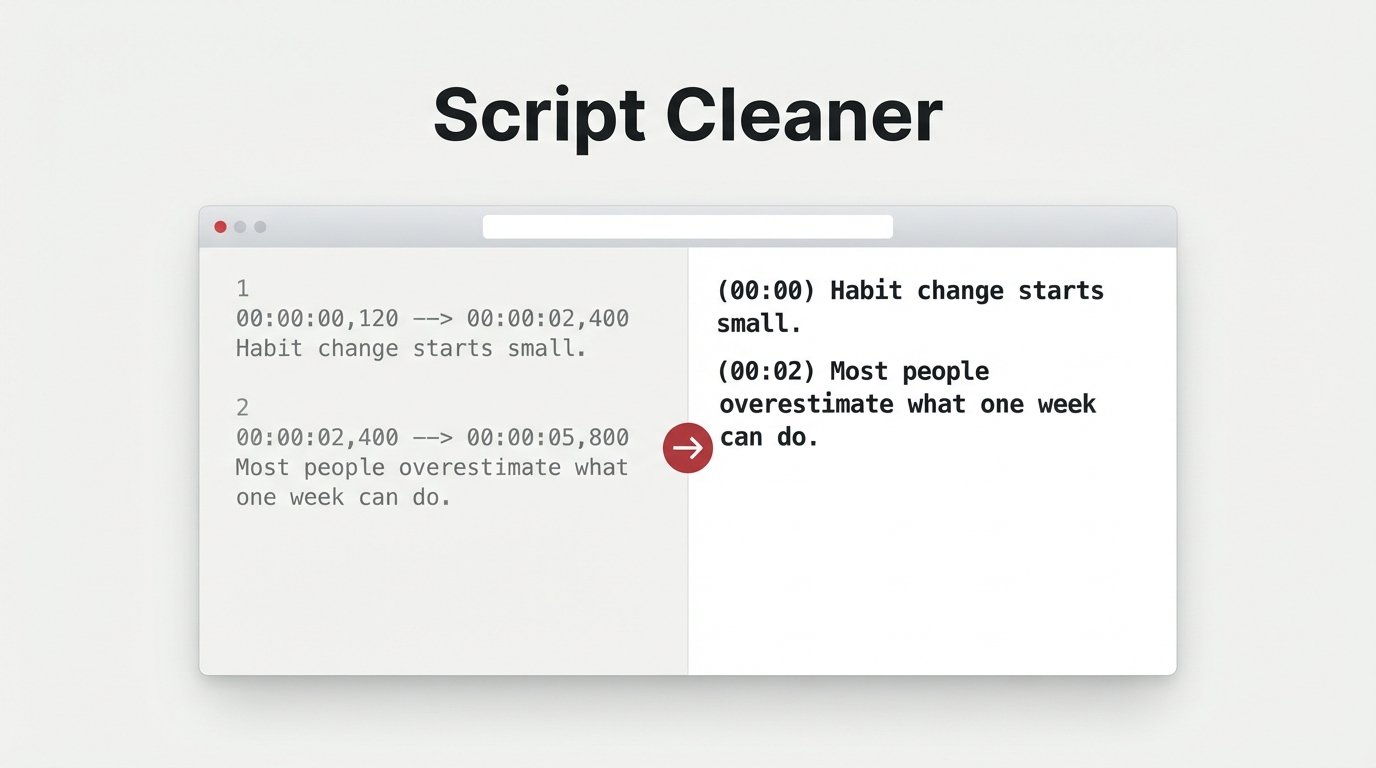
Script Cleaner takes any SRT subtitle file, including ones exported from TurboScribe or fine-tuned in Filmora, and instantly converts it into a clean (mm:ss) Text format, with consistent, predictable results every time.
No installs, no uploads, no AI guesswork. Just load or paste your script and get a perfectly formatted timestamped version, ready to use for image prompts, video descriptions, or content planning.
[ Get it for free on Gumroad ]