never sync images manually again!
If you make videos with images shown one after another (especially if you’ve watched tutorials on creating faceless AI videos), you already know the tedious part: dragging each image onto the timeline and adjusting its duration by hand, one by one.
I made this bot to solve exactly that.
How it works
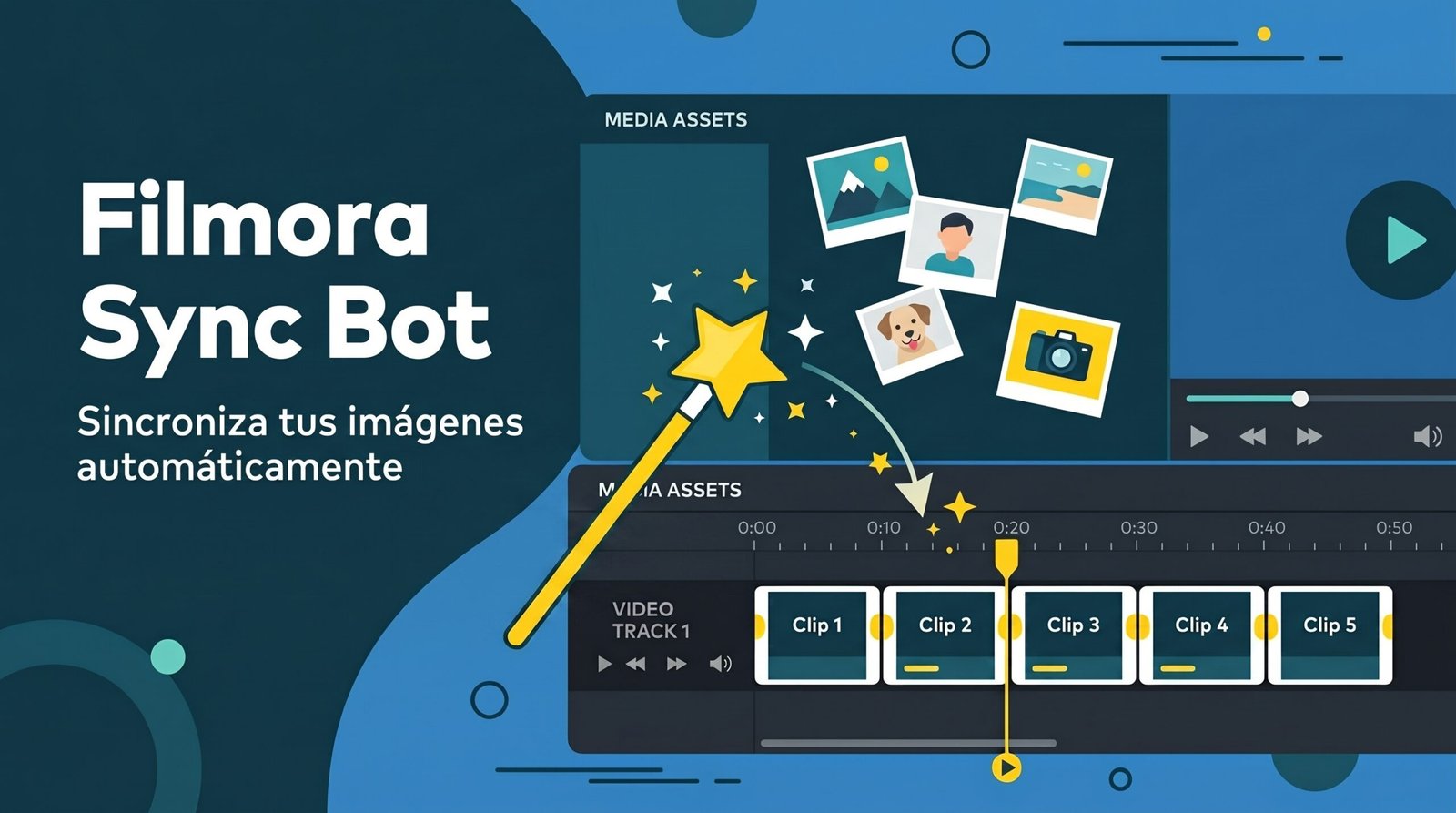
Filmora Sync Bot reads the timestamp you put in each image’s filename and automatically places the images on your Filmora timeline at the exact position and duration, without touching anything else in your project (audio, subtitles, and effects remain intact).
Just name your images like this, (allthought if you made the images through an AI workflow you probably have them like this already):
[00:00]_scene.jpg
[00:05]_scene.jpg
[00:13]_scene.jpg
The bot interprets the timestamp as “minutes” (or “hours:minutes” if needed), and accepts both [ ] and ( ), with either : or _ as separators.
How to use it
- Create a template file on Filmora by adding only the first image to your timeline. (If you you don’t have Filmora yet, you can download it here)
- Open
FilmoraSyncBot.exe - Select your template project
- Select the folder containing your images
- Click Generate Project
- A new file called
yourproject_final.wfpwill be created in the same folder - Open it in Filmora and continue editing as usual — the images will already be where they belong
That’s it. You still have full control to review, add more images, or tweak details. The bot simply handles the heavy lifting of the initial synchronization.
Download
[Get it on Gumroad] (instructions are included inside the ZIP file)
Windows may show a security warning the first time you open it because it isn’t commercially code-signed. Click More info → Run anyway to continue. This is normal for free tools like this.
Questions or issues? Send me a message and I’ll be happy to help.